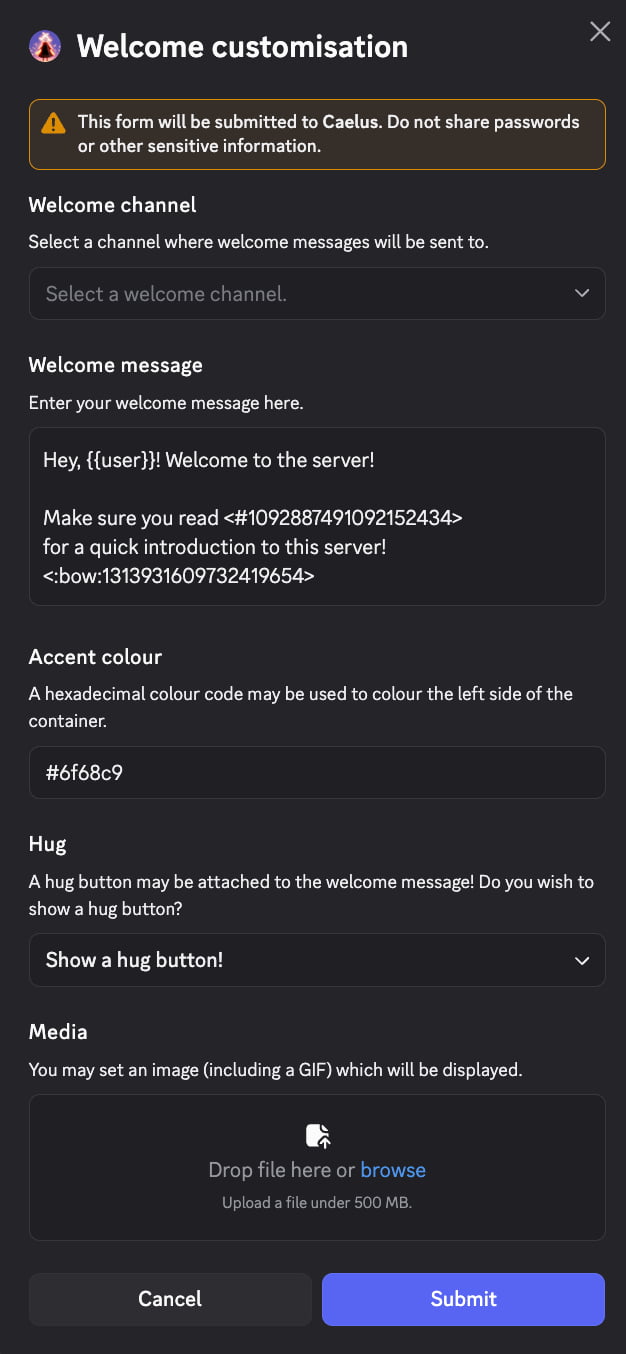
Welcome messages are sent whenever someone joins the server. Other applications do this, but Caelus makes it Sky-themed.Setting them up is easy. Use /configure welcome! Once you hit the obvious edit button, a modal will appear asking you to edit a number of things:Enter your desired information, and a preview of what the welcome message will look like will be revealed to you!
You may have this enabled:If left enabled, both Discord and Caelus will trigger for join messages. It is recommended to disable the above setting to deduplicate the join messages. Caelus will offer a way to do this for you if Caelus has Manage Server, but if Caelus does not have it, you need someone with Manage Server to disable that setting.