> ## Documentation Index
> Fetch the complete documentation index at: https://guide.thatskyapplication.com/llms.txt
> Use this file to discover all available pages before exploring further.
# Me
> Configure how Caelus looks in your server!
`Manage Server`
## Setting up how Caelus looks
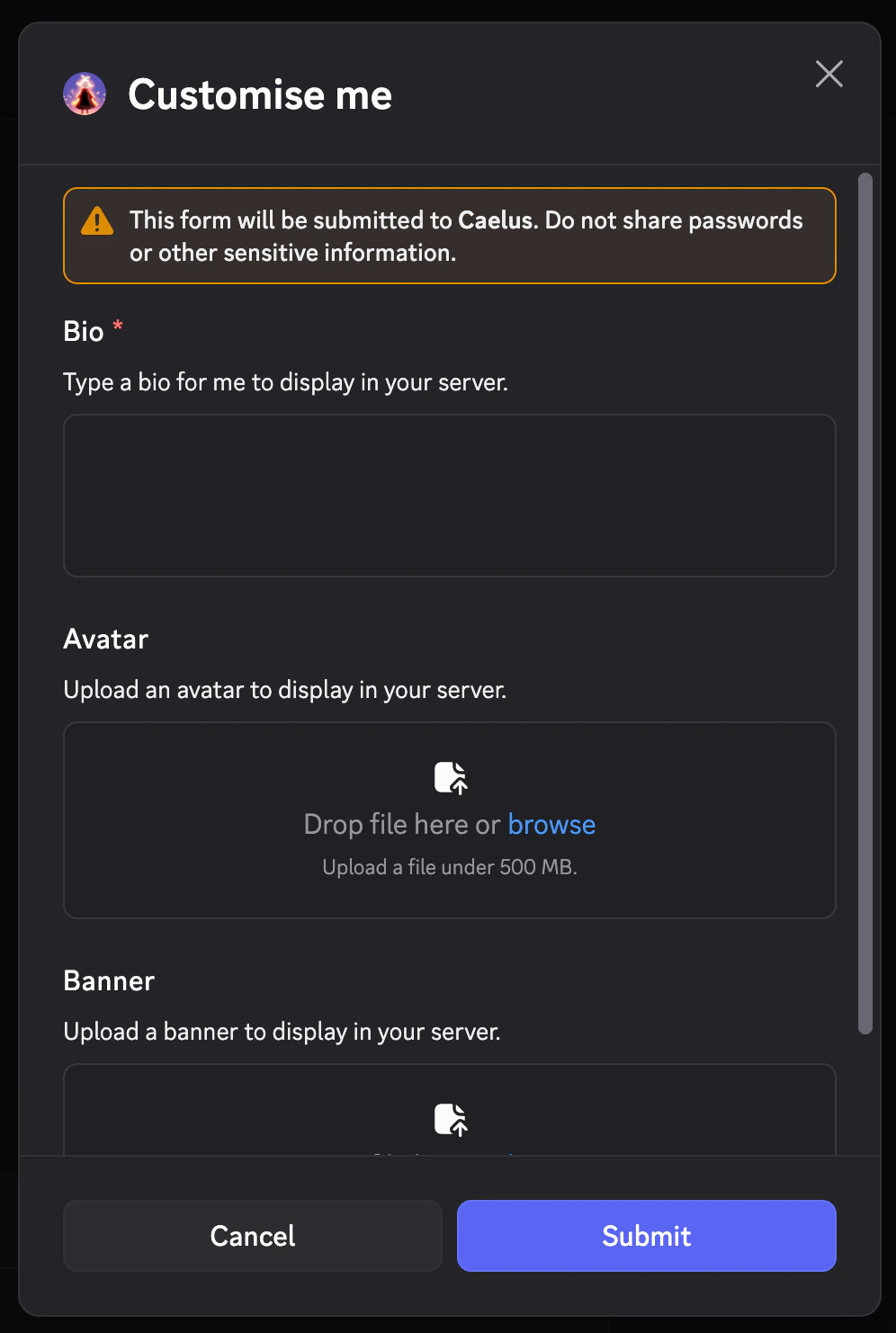
You can customise how Caelus looks in your server with an icon, banner, and bio! You can do this via `/configure me`.
## What can be customised?
The following may be customised:
 ## How do I remove my customisation?
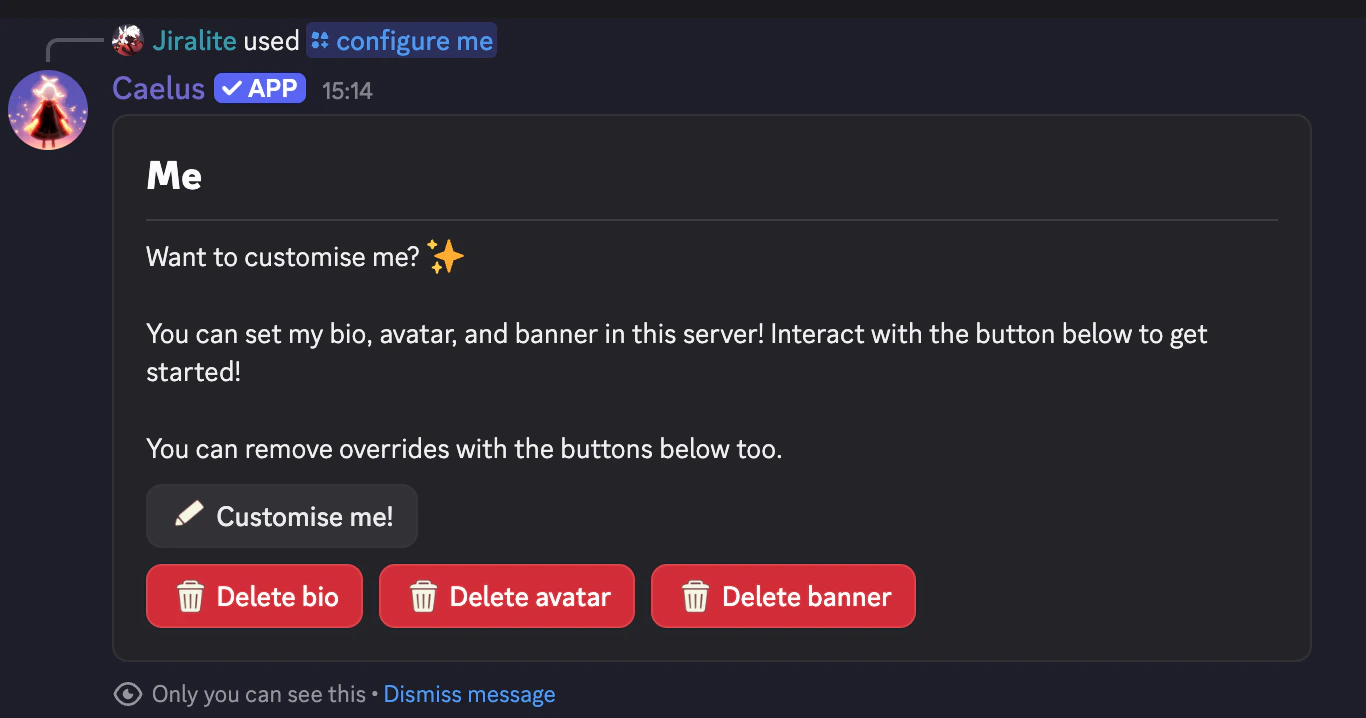
Simply interact with the respective delete button and any override will be removed.
## How do I remove my customisation?
Simply interact with the respective delete button and any override will be removed.
 ## I got a rate limit error?
Did you receive this message when updating assets?
## I got a rate limit error?
Did you receive this message when updating assets?
 If so, you have encountered a rate limit. Discord doesn't allow users to update avatar icons or banners often in a short period of time. Simply wait a while before using the command to update assets again.